
 Go back
Project Overview
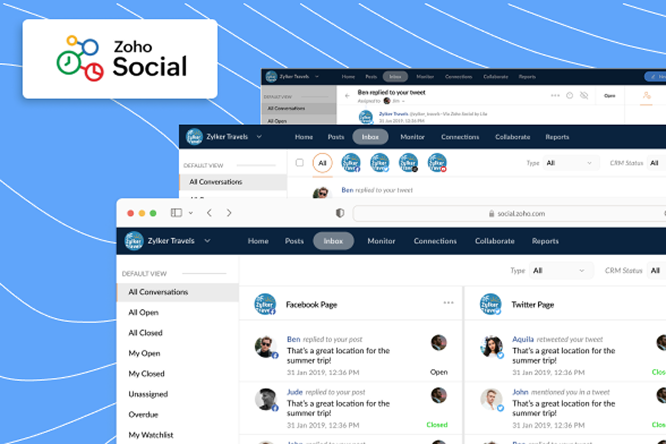
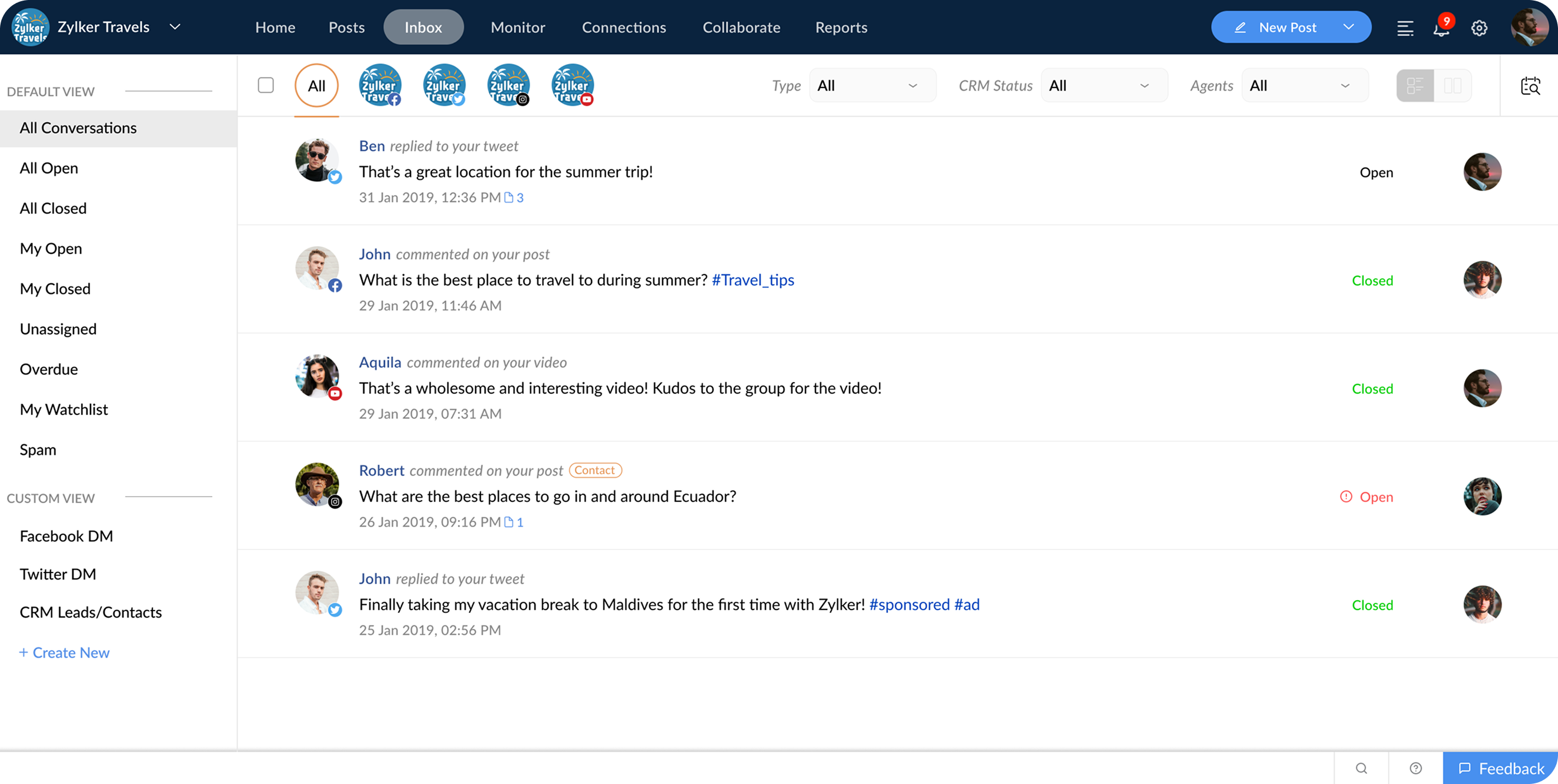
The team set out to implement a new feature called Inbox within Zoho Social, a SaaS application for social media management. The Inbox would serve as a unified messaging and interaction hub, enabling users to view and manage conversations from multiple social media networks in a single, streamlined interface.
Core Objectives
- Streamline responses to social media interactions
- Categorize discussions efficiently
- Improve social media moderation and team collaboration
Problem
Zoho Social already had multiple features like Monitor and Messages, and the challenge was to ensure Inbox stood out as a distinctive, valuable addition while integrating seamlessly with the existing design system and platform architecture.
Aim
- Differentiate the Inbox while maintaining product consistency
- Address gaps seen in competitor tools
- Enhance user experience for social media managers handling high volumes of conversations
Research
Competitor Analysis
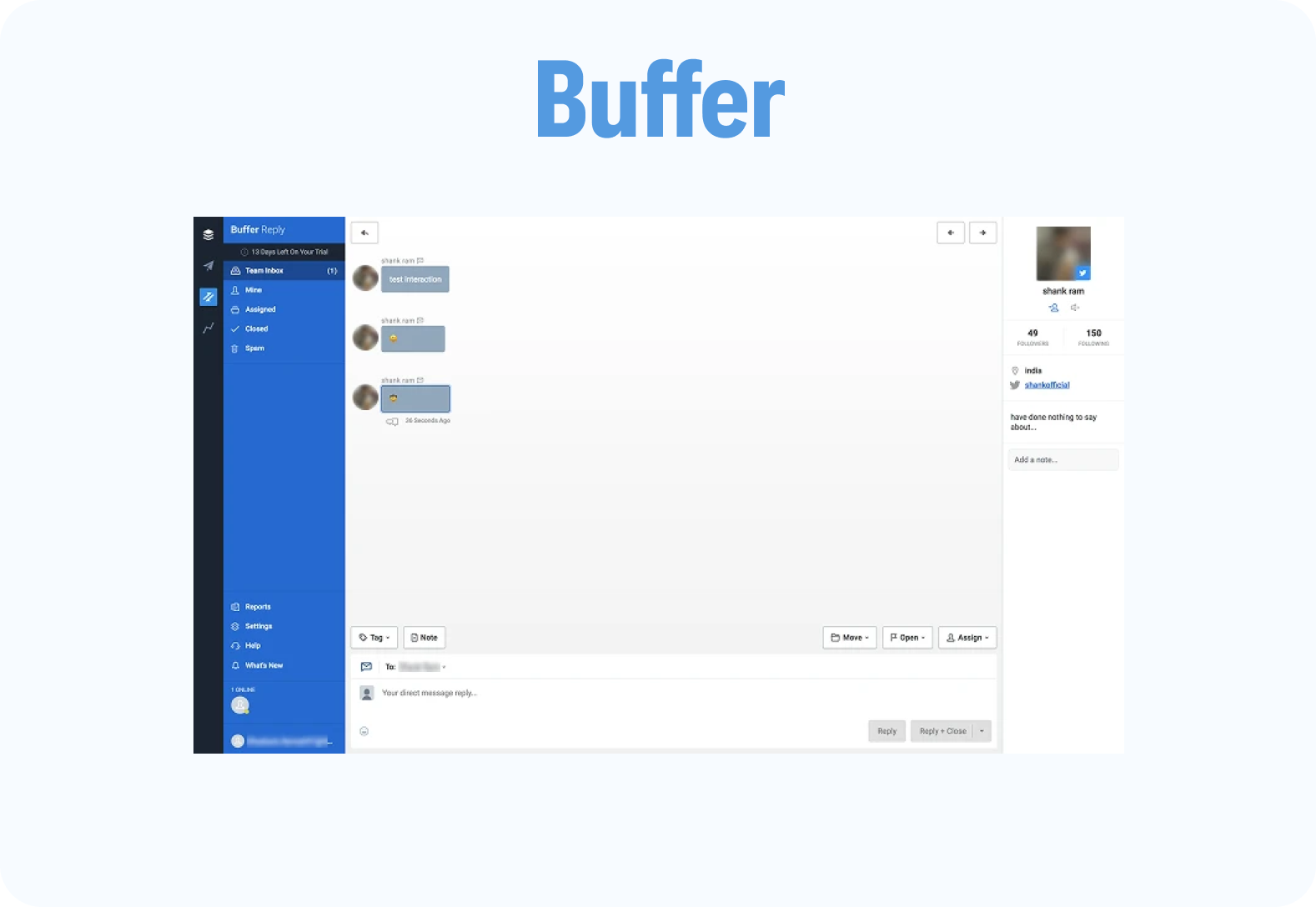
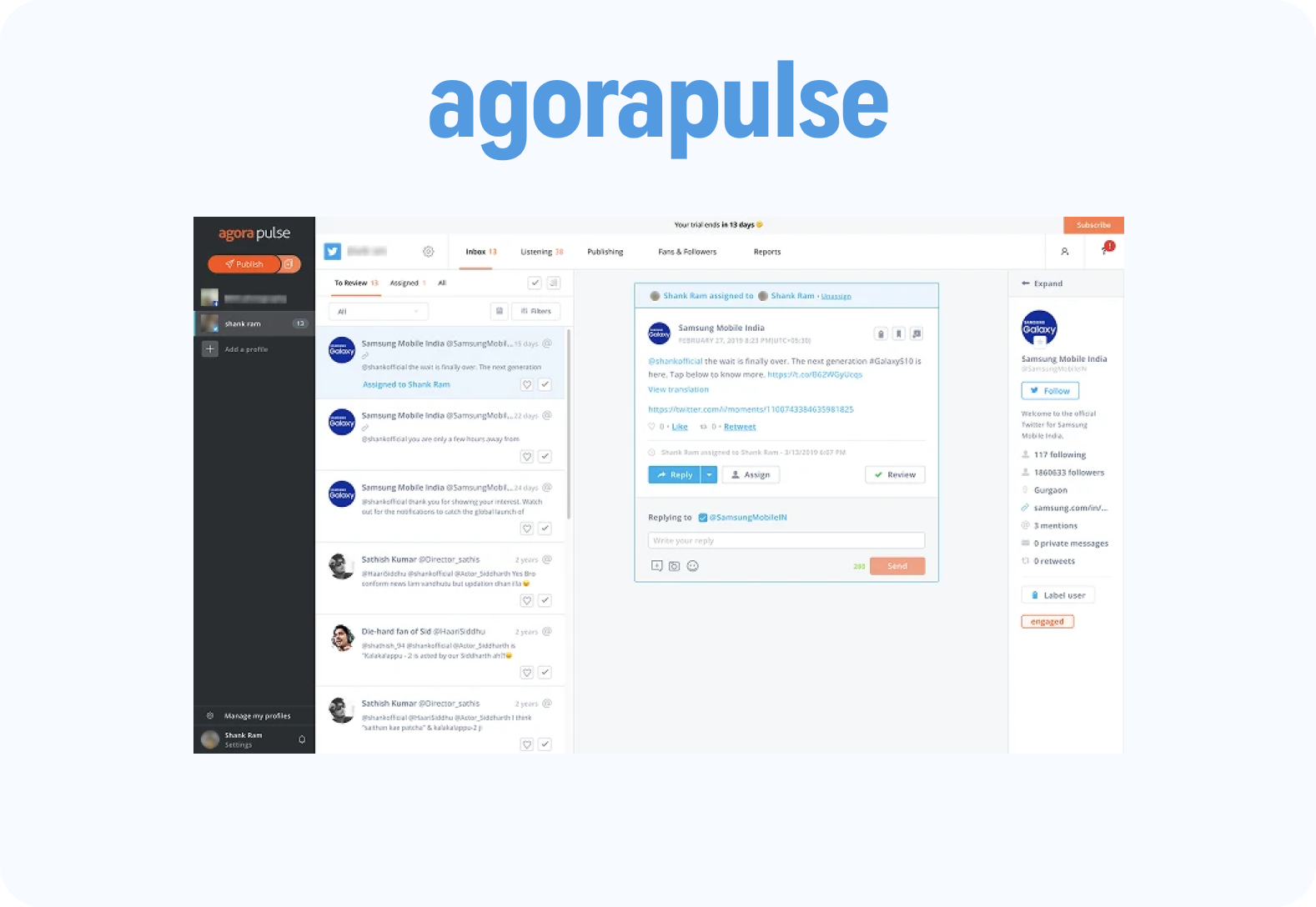
To inform the feature design, I conducted a competitor analysis of similar tools, focusing on Buffer and Agorapulse, both of which already offered Inbox functionality. I tested and reviewed how these platforms handled conversations, categorized discussions, and managed team interactions.


Key Findings
- Competitors offered advanced filtering and conversation management features
- Some platforms exhibited delays in response time
- Limited team collaboration options presented an opportunity for differentiation
- Users preferred tools that allowed for quick access and real-time updates
This analysis helped identify unique opportunities and differentiators for our Inbox implementation.
Ideation
Based on research insights, I initiated an ideation phase to address identified gaps and opportunities.
Process
- Brainstormed feature ideas with the Product Manager using initial sketches
- Mapped competitor strengths and weaknesses to visualize where we could improve
- Prioritized ideas based on technical feasibility, user value, and alignment with product goals
Key Concepts
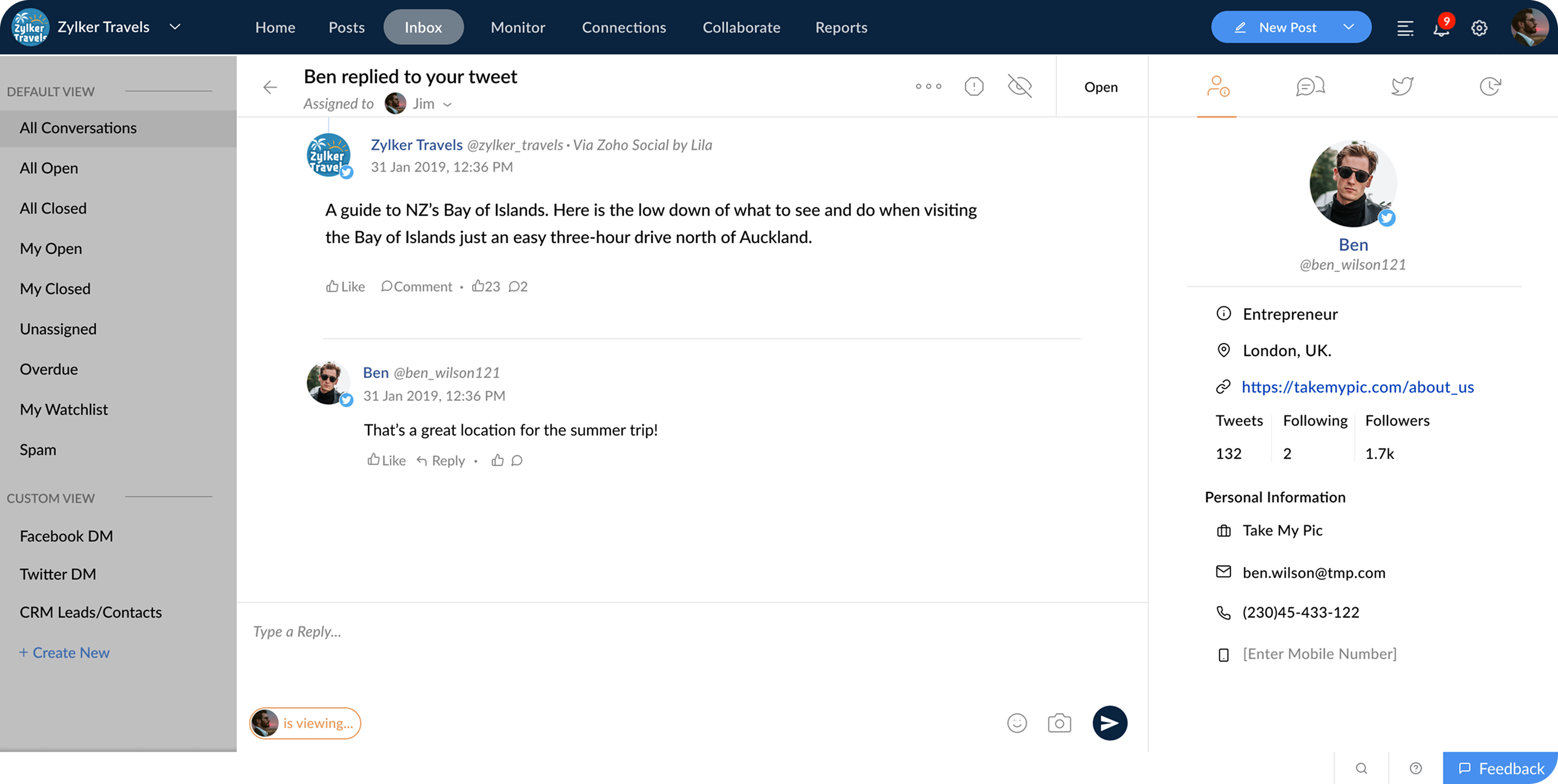
- Conversation assignment and status tracking options
- Real-time updates for incoming messages and comments
- Internal team notes to enable seamless collaboration within conversation threads
UI Design
Sketches
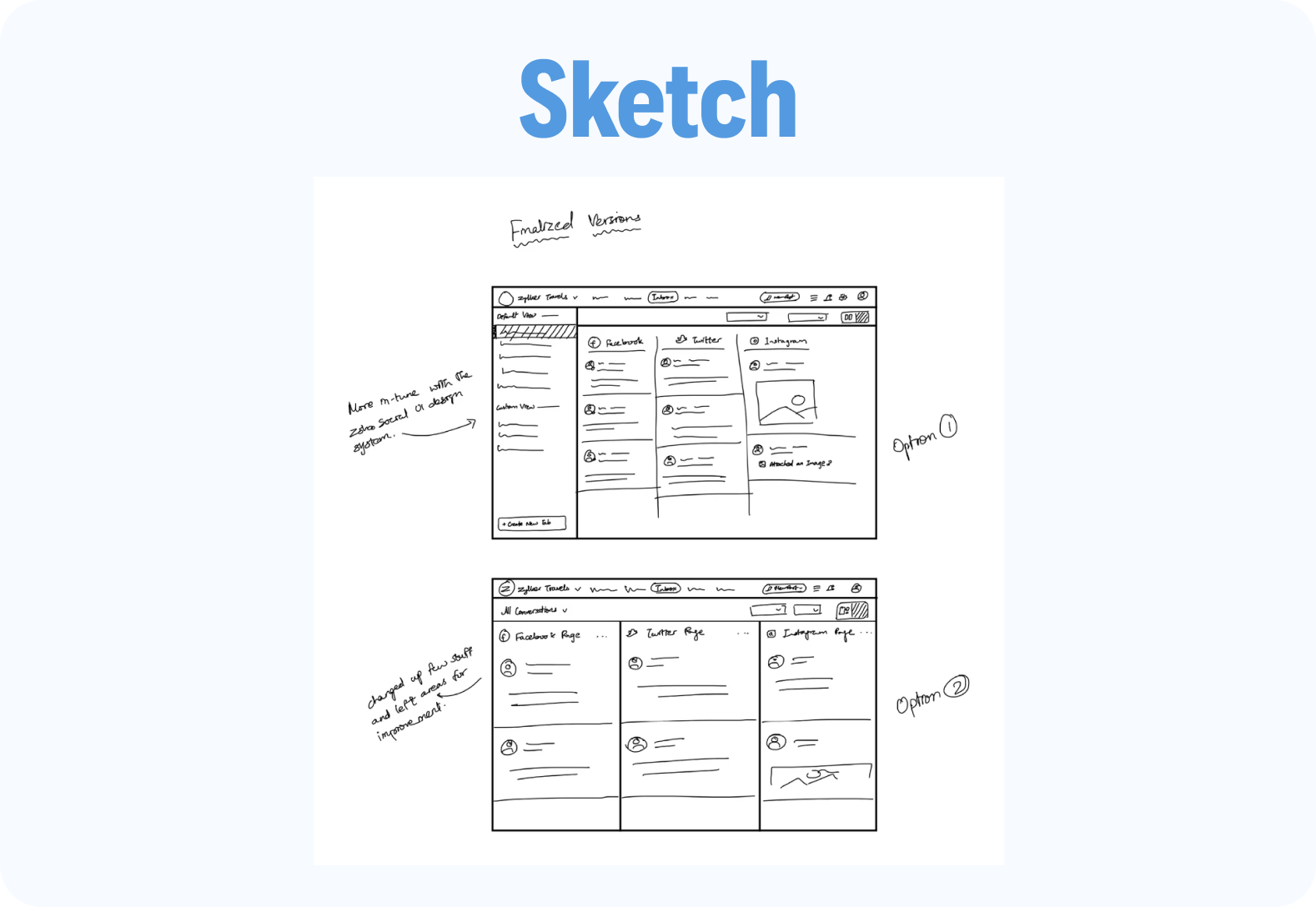
I started with quick hand-drawn sketches to visualize possible layouts and interaction flows. Multiple ideas were explored, and the most practical and aligned concepts were selected for further development.
Low-Fidelity Wireframes
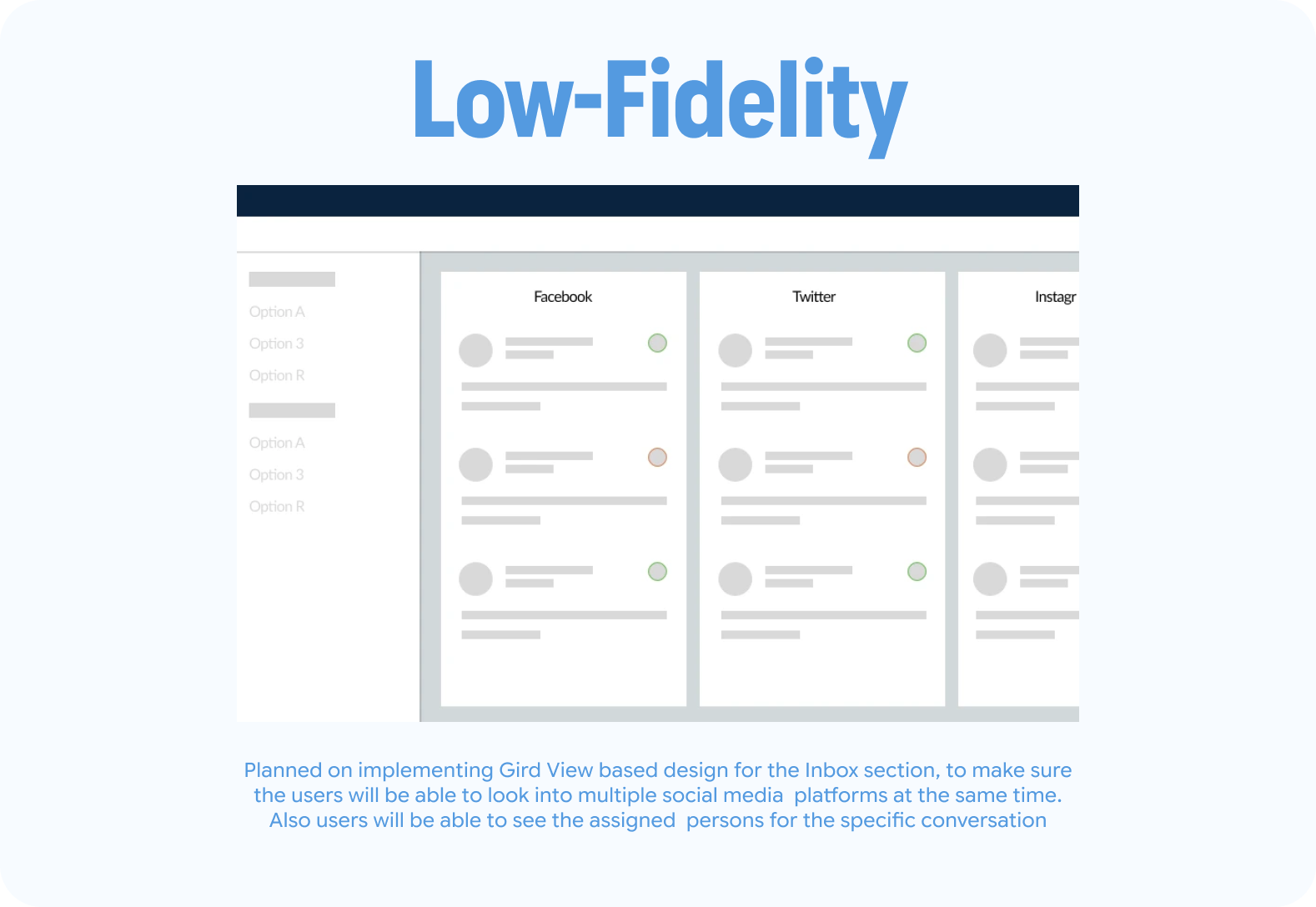
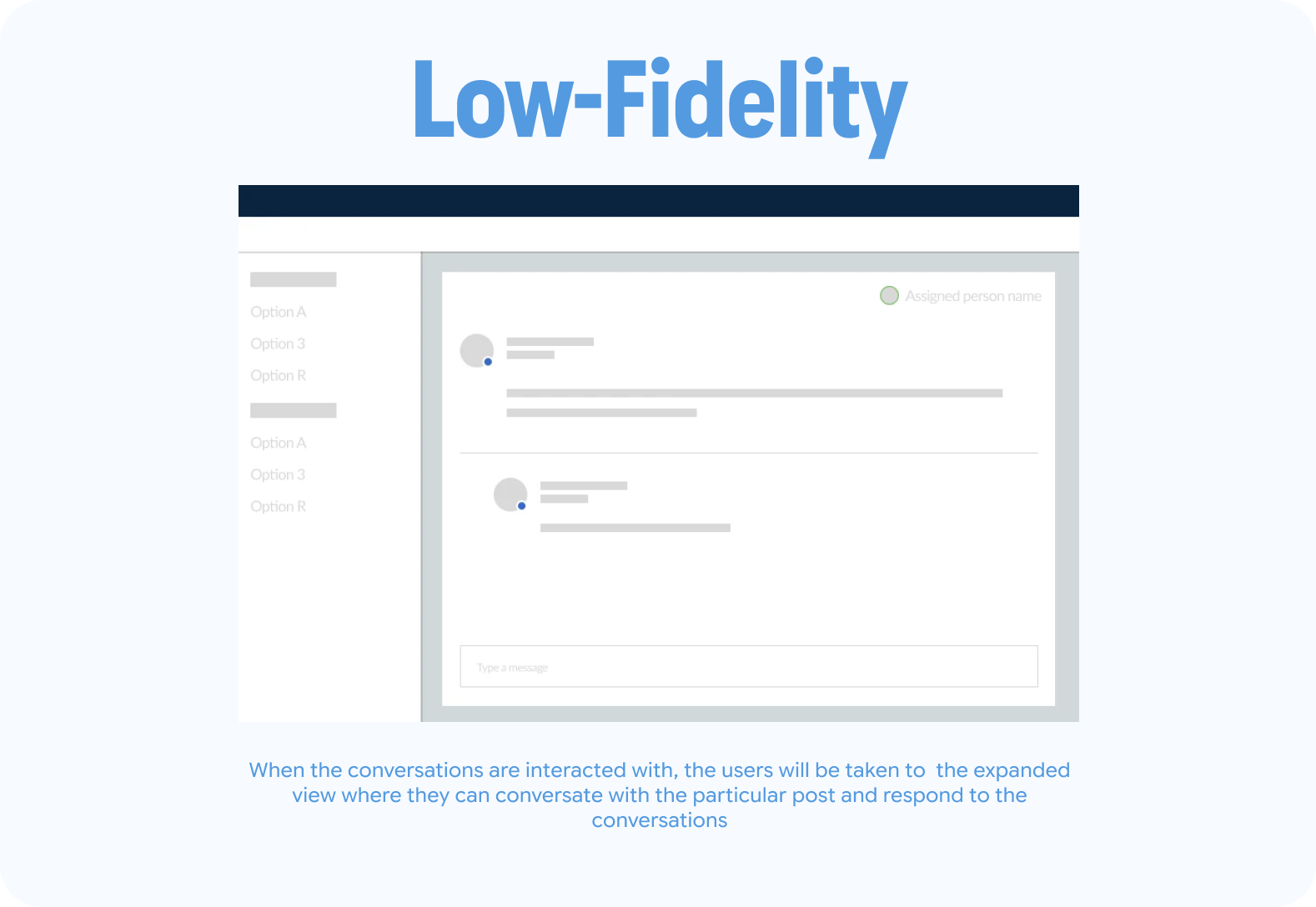
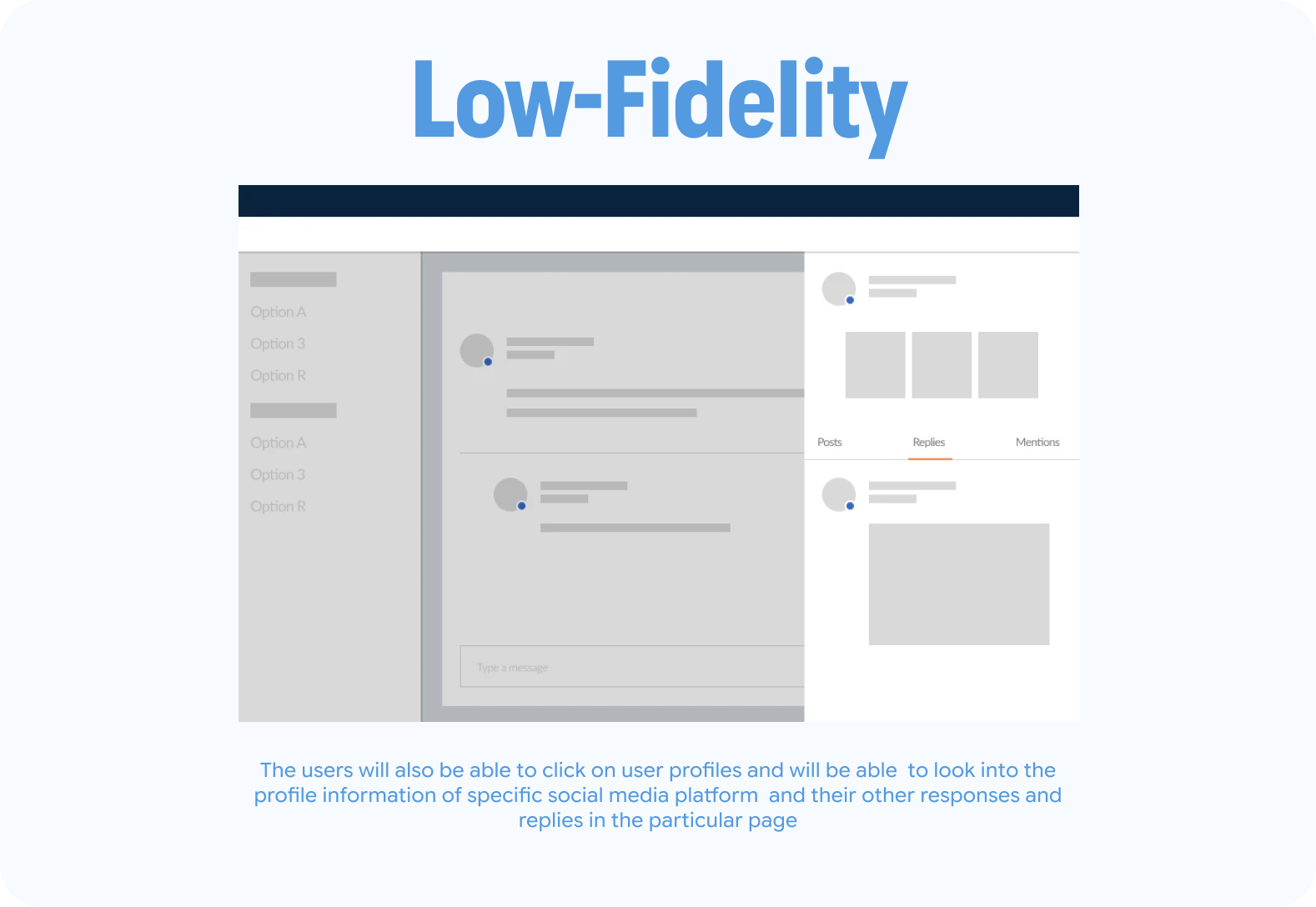
Using the sketches as a base, I created low-fidelity prototypes to define the structure, navigation flow, and key interactions. This stage helped validate layout decisions before adding UI details.
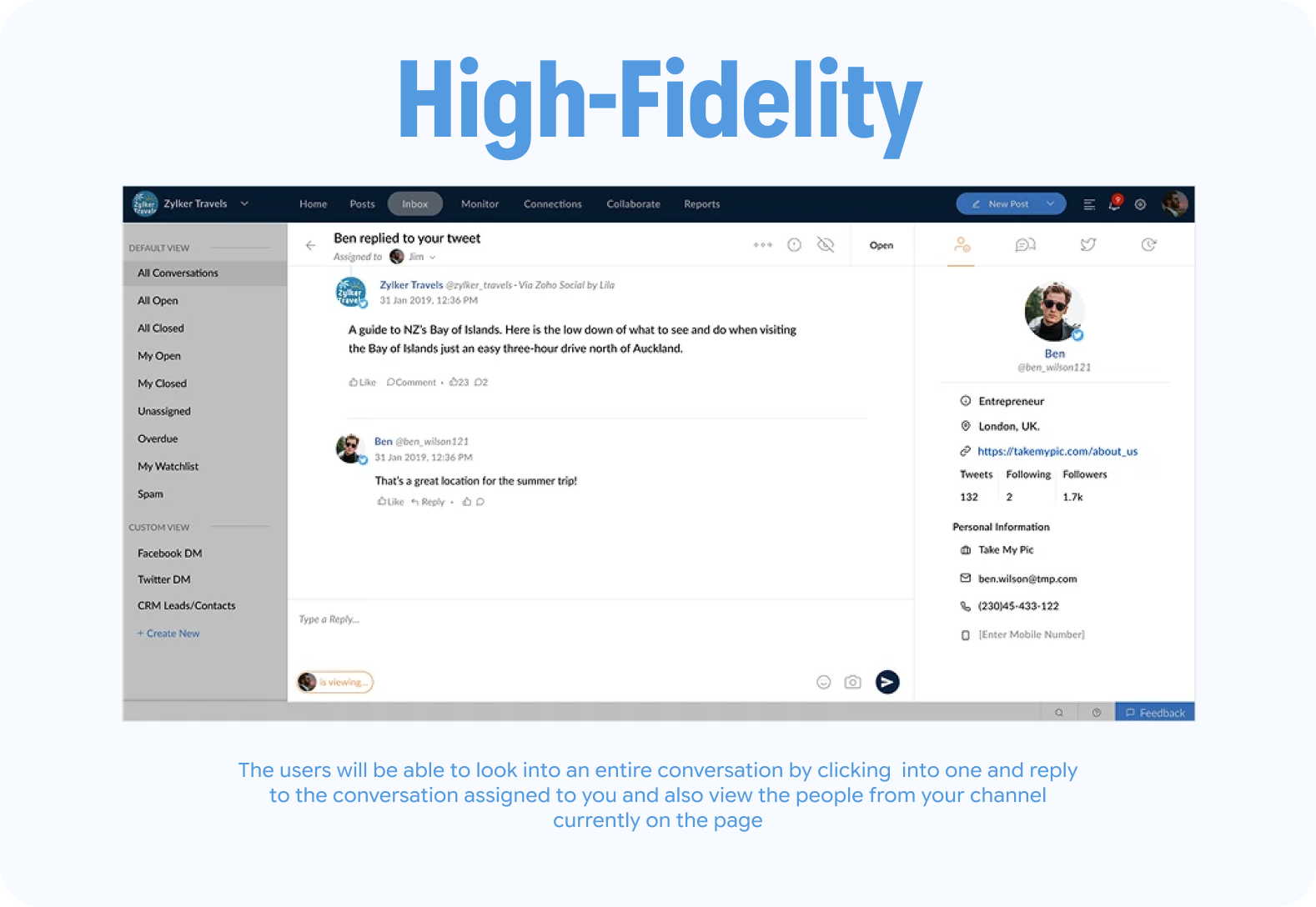
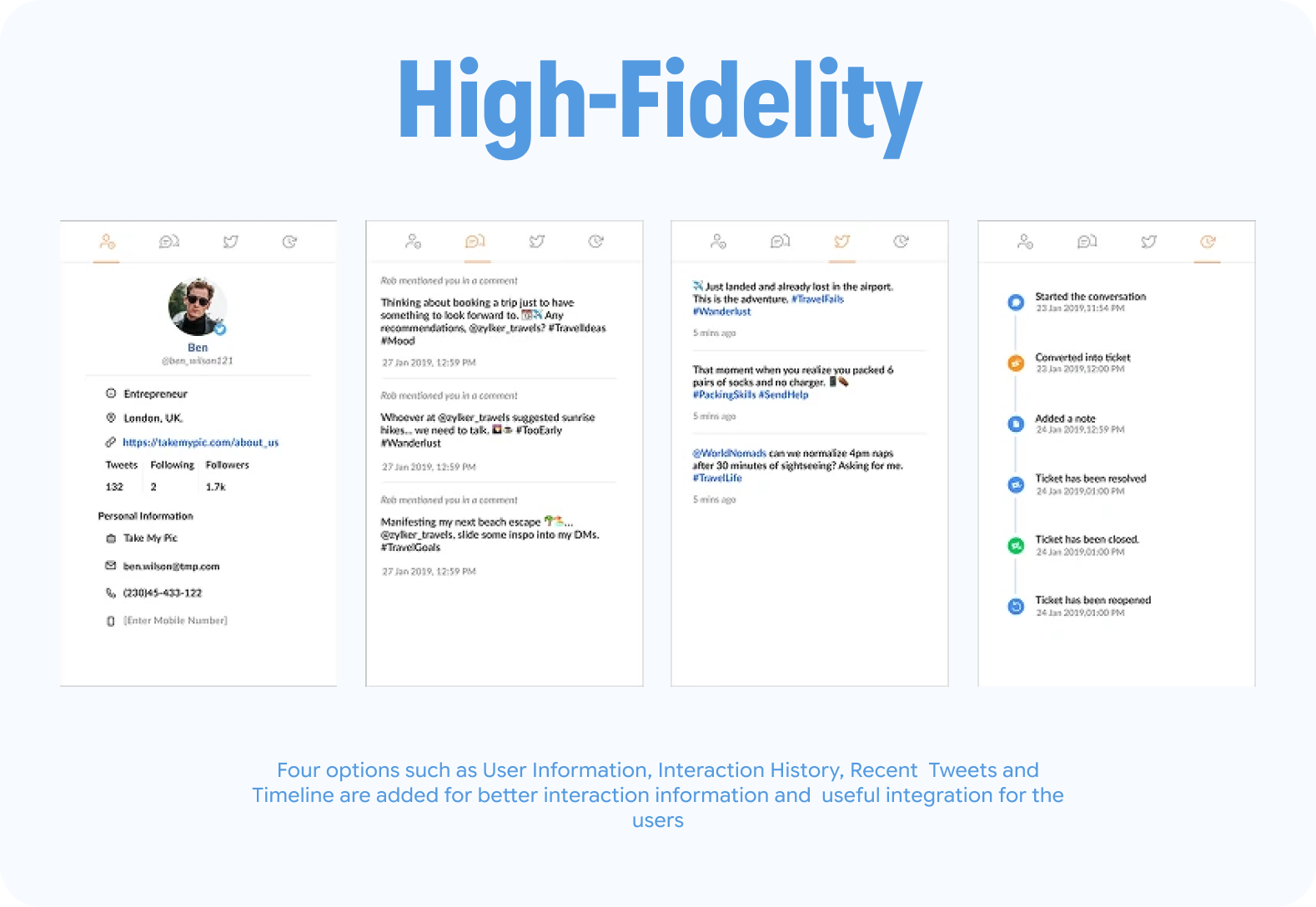
High-Fidelity Mockups
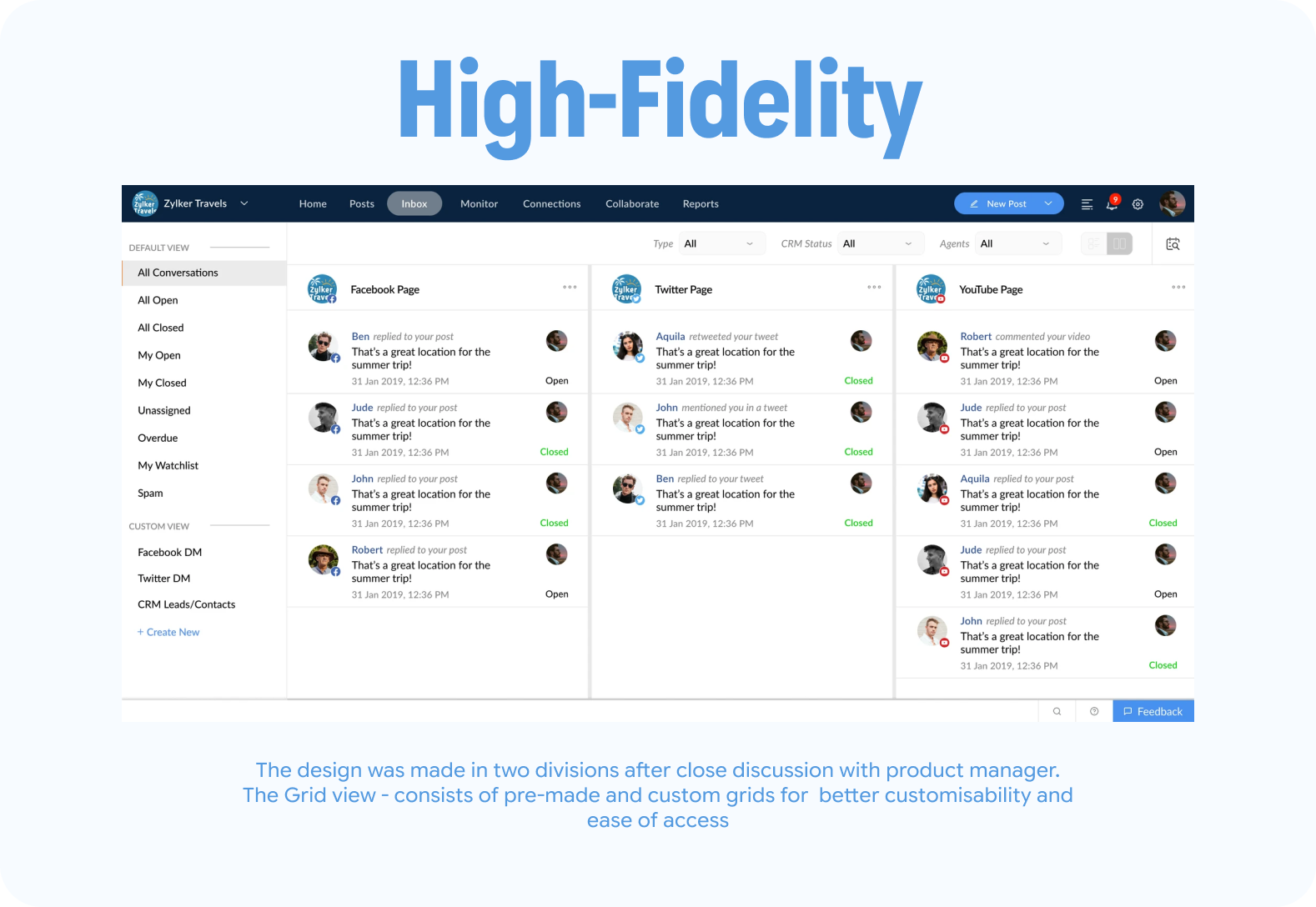
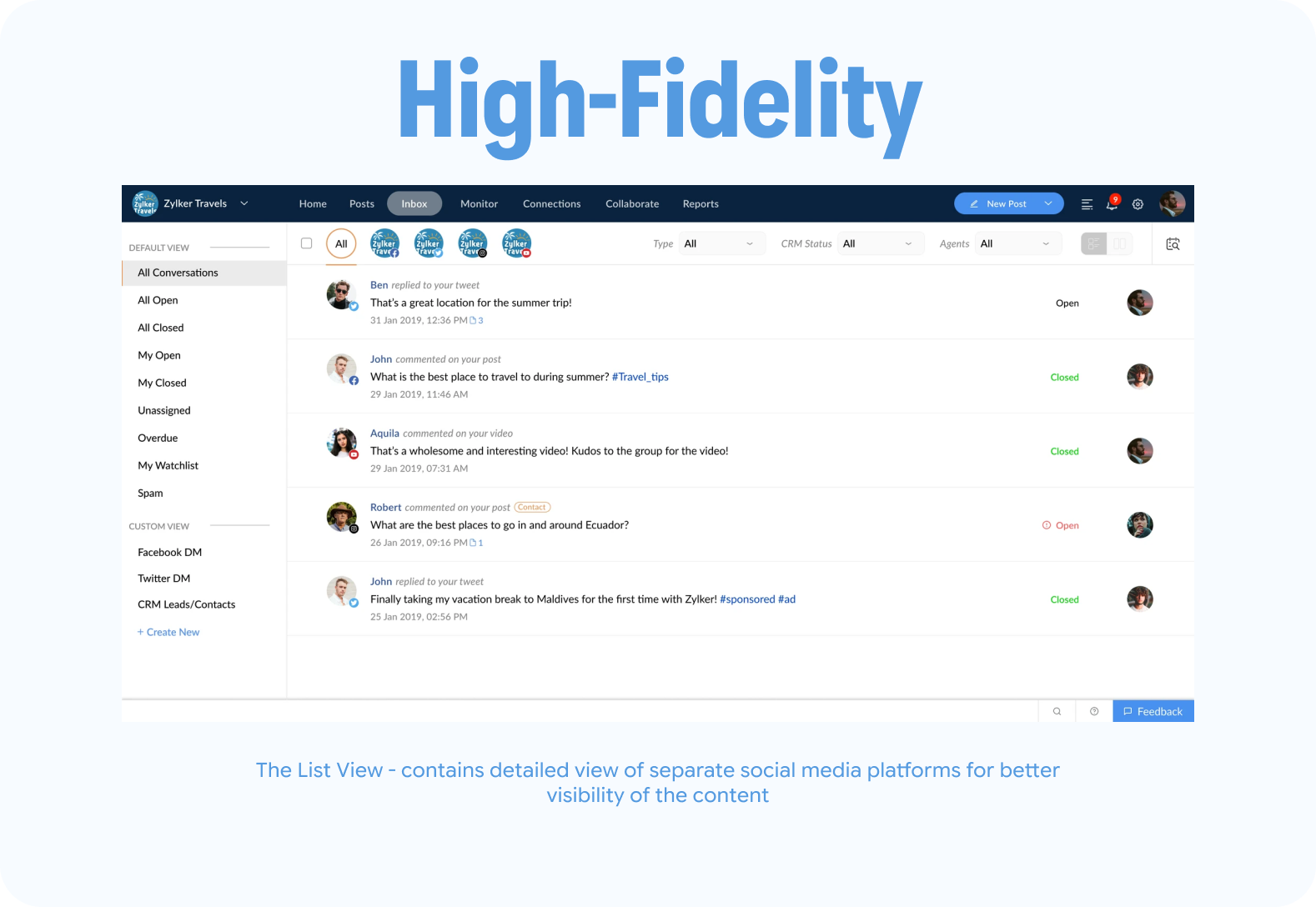
After iterating on feedback from the Product Manager, I developed high-fidelity mockups. These incorporated Zoho Social's design system while introducing new UI elements tailored to the Inbox feature.
The Focus
- Ease of use
- Accessibility
- Consistency with the existing platform
Testing and Iteration
The high-fidelity designs were handed off to the development team and integrated into a beta version of Zoho Social.
Testing Process
- Released as a single-version beta available to selected users
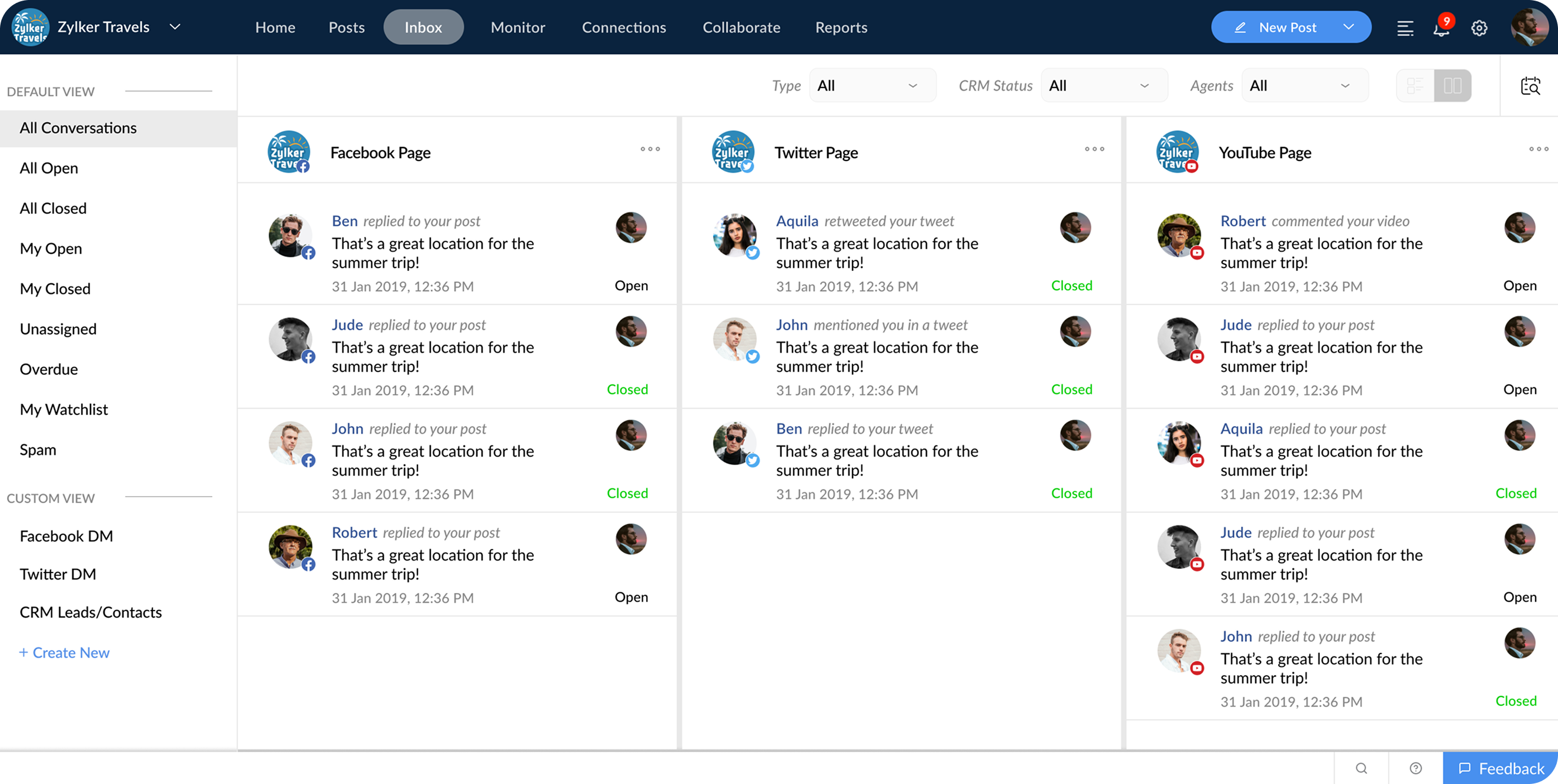
- Included an option for users to switch between List View and Grid View layouts to accommodate different message management preferences
- Collected qualitative feedback from beta users and internal stakeholders
- Assessed ease of navigation, visibility of conversation details, and the usefulness of new features like conversation assignment and internal notes
Key Feedback
- Users appreciated having a unified space for managing conversations across networks
- The List View was preferred by users handling high message volumes, while the Grid View appealed to those prioritizing visual content management
- Features like real-time updates and internal team notes were well received for improving day-to-day workflows
Outcome and Impact
The Inbox feature performed strongly during beta testing, receiving positive feedback for its seamless integration with Zoho Social's design system and its ability to simplify social media conversation management.
- Beta users appreciated the option to switch between List and Grid views, with the List View proving especially effective for handling higher message volumes.
- Features such as real-time updates, conversation assignment, and internal team notes were particularly well received, improving day-to-day workflows for marketing and support teams.
Although the full rollout was initially delayed due to other development priorities in 2019, the Inbox feature was eventually launched and is now a core component of Zoho Social's offering, actively used by customers to manage their multi-network interactions more efficiently.
If you're interested


 View Prototype